Rotate Image Online for Free
Easily rotate image online without spending a dime! Our free image rotation tool lets you adjust angles, flip photo, or spin them 360° with precision.
How To Rotate Image Online in 5 Simple Steps
- 1Upload Your PhotoOpen our online image rotator and upload your photo directly from your device. Supports JPG, PNG, WebP, and PDF formats.
- 2Choose Rotation AngleClick on Crop from the left menu and select your preferred rotation angle. Rotate image online by 90° increments with a single click.
- 3Use Advanced Editor (Optional)Alternatively, access the advanced editor to rotate image online with more precision and control over your adjustments.
- 4Select Canvas RotationClick on Image from the top menu bar, hover on Canvas Rotation, and select your preferred rotation option for perfect alignment.
- 5Save Your ImageOnce done, save your rotated image in PNG, JPG, PDF, or WebP format. Download instantly and use it wherever you need.
Rotate Image Online with 360° Precision
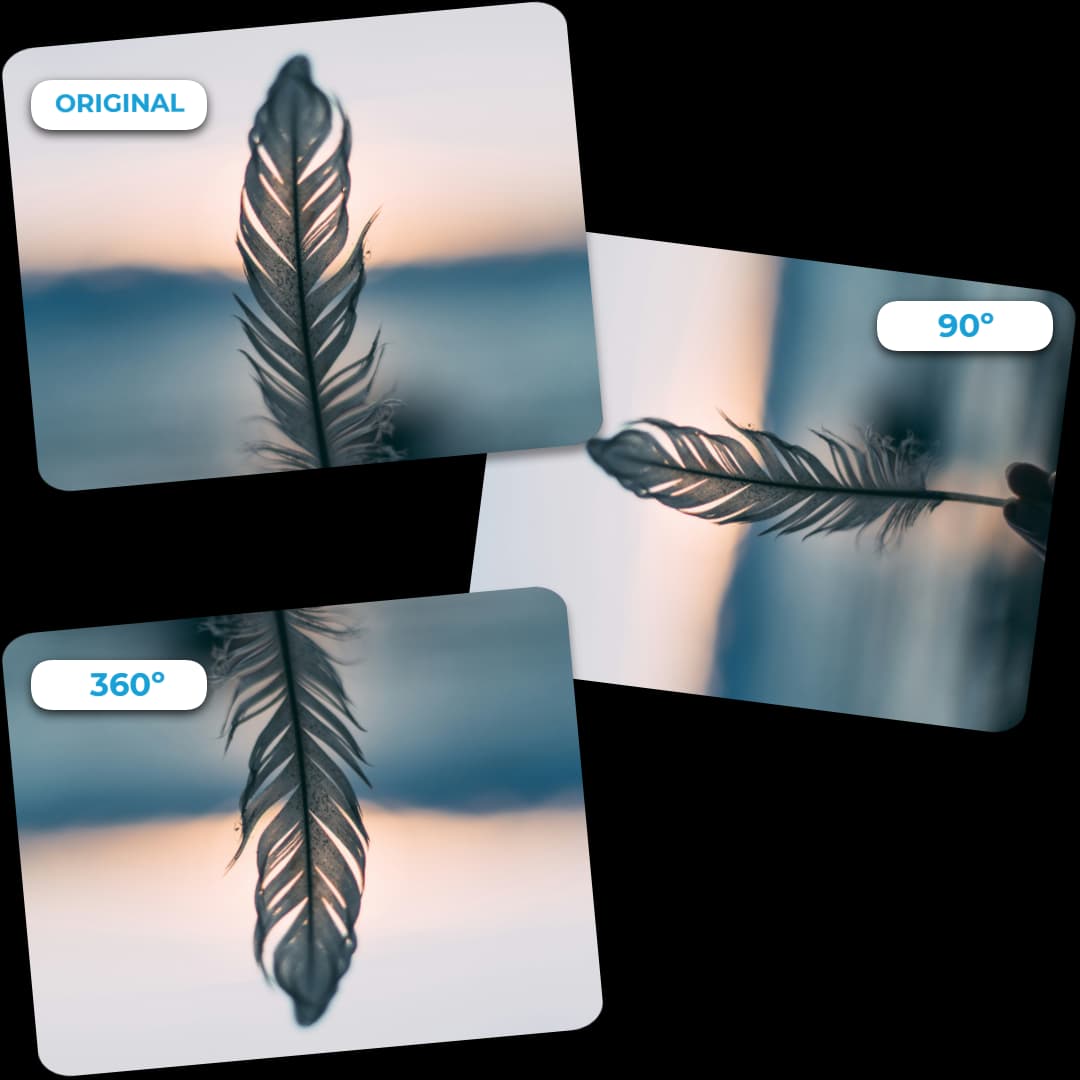
Achieve the perfect angle for your images with our powerful online tool. Whether you need a 90° tilt or a full 360° rotation, our platform offers precise control to align your visuals exactly as you envision. Perfect for straightening horizons, aligning compositions, or adding creative flair—rotate image online and make your photos look polished and professional in seconds.
Rotate Image Online from Any Device
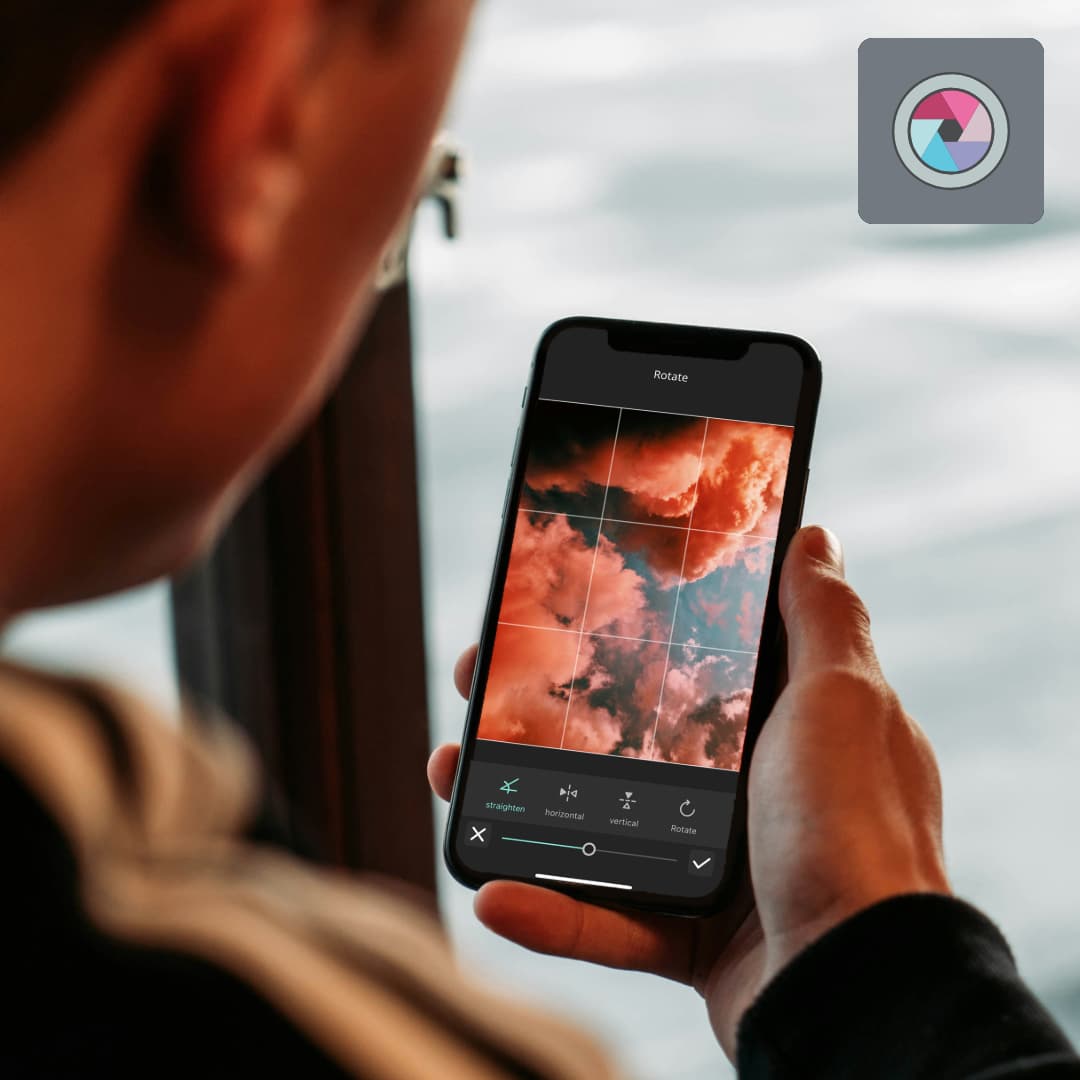
Our rotate image online feature works seamlessly across all devices—desktop, tablet, and mobile. With no downloads or installations required, you can upload, rotate, and save your images instantly from anywhere. Whether you're at home, at work, or on the go, our web-based tool ensures you can rotate image online whenever inspiration strikes.
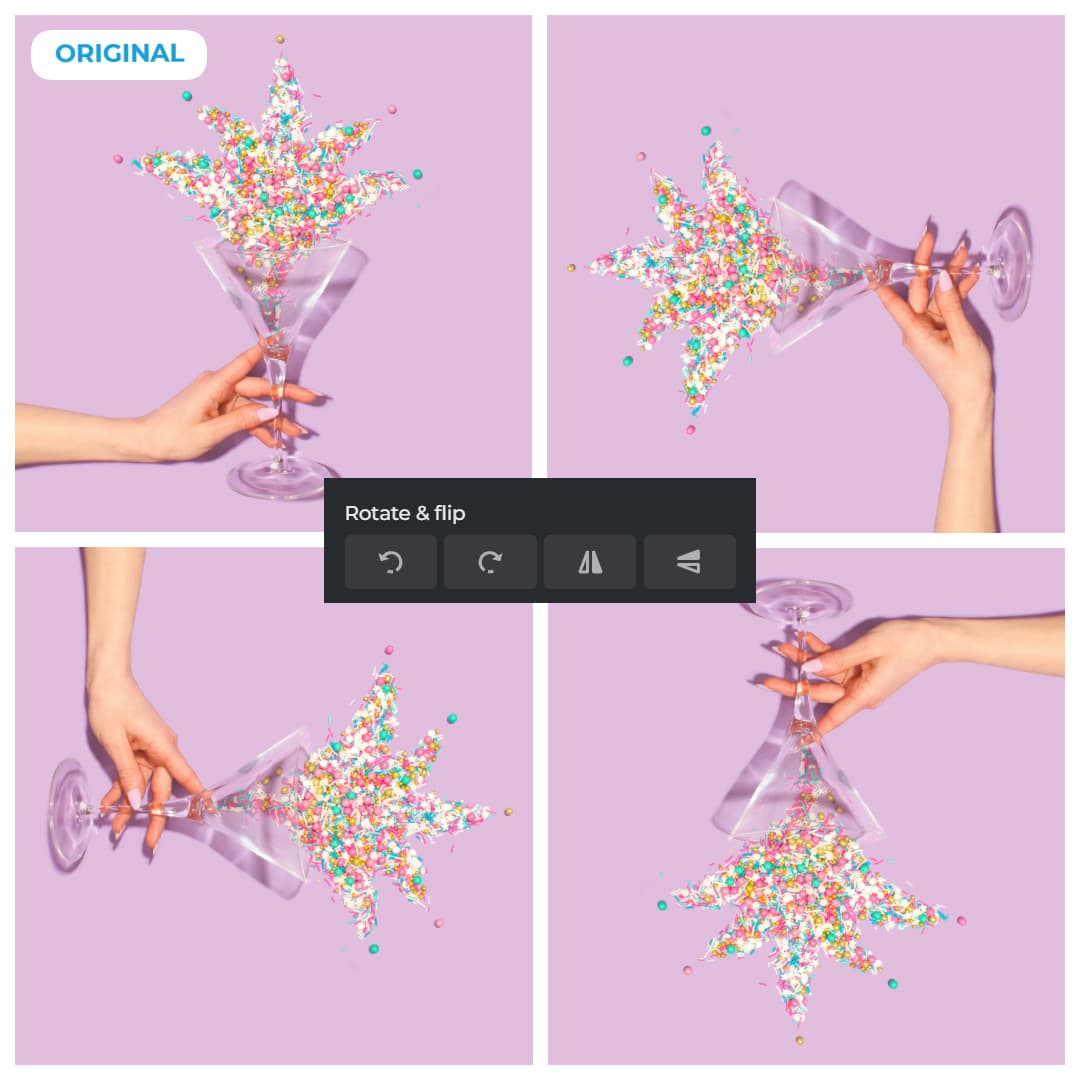
Transform Your Visuals When You Rotate Image Online
Discover fresh angles and perspectives by using our tool to rotate image online. From creating dynamic compositions to uncovering creative possibilities, our image rotator empowers you to reimagine your photos effortlessly. Experiment with different orientations to add depth and visual interest to your shots. Rotate image online and unlock new creative dimensions in your photography.
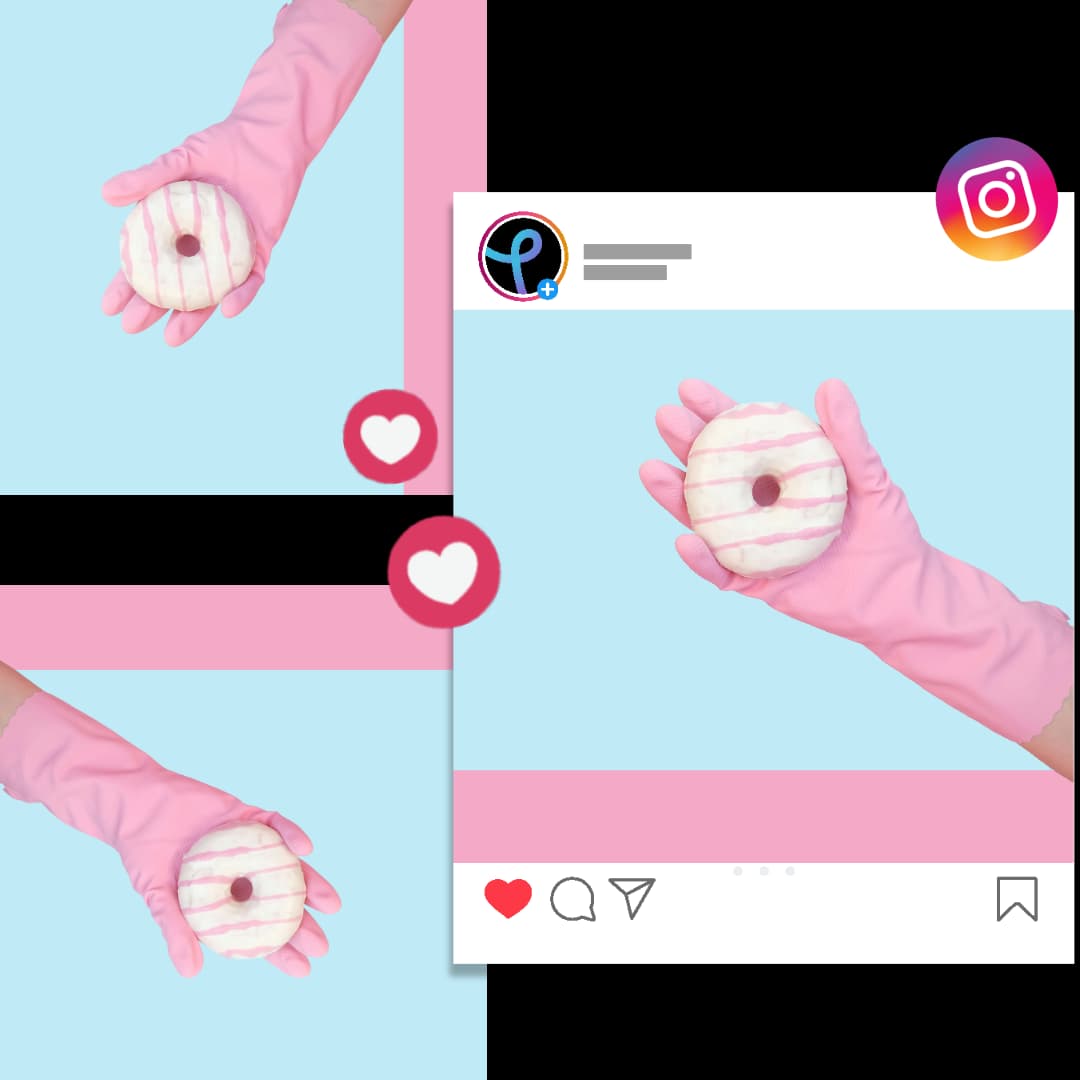
Flip and Rotate Image Online for Stunning Effects
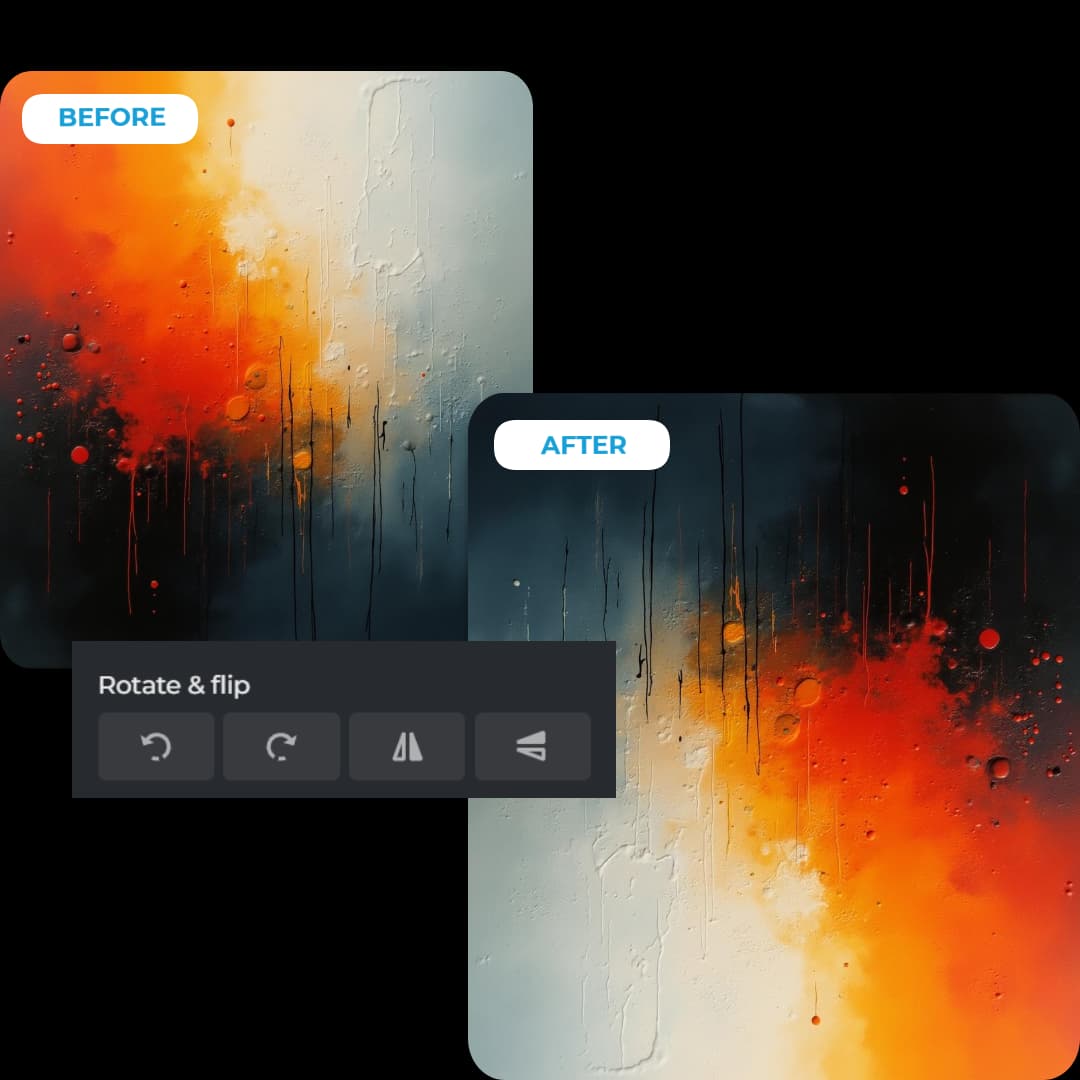
Go beyond simple rotations when you rotate image online with our advanced mirroring features. Flip and rotate your images to generate symmetrical designs that are both captivating and unique. Ideal for artistic projects, social media posts, or abstract visuals, this feature adds an eye-catching dimension to your edits. Rotate image online and create professional mirrored effects in seconds.
Why Choose Our Online Image Rotator?
The Best Way to Rotate Image Online
- 🆓 100% Free
- ⚡ Lightning Fast
- 🔒 Secure & Private
- 📐 Precision Control
- 🎨 Quality Preserved
- 💻 No Software Needed
- 📱 Mobile Friendly
- 🌐 Universal Format Support
Frequently Asked Questions
Everything You Need to Know
Can I rotate an image by a specific degree?
Yes, our tool lets you rotate image online by 90° increments for quick adjustments, or use custom degree settings for precise control.
Is it possible to flip an image horizontally or vertically?
Absolutely! When you rotate image online with our tool, you can also flip horizontally or vertically using the crop feature options.
Can I rotate a specific layer without affecting the entire image?
Yes, select the layer you want to rotate, then use the rotation feature to adjust just that layer while leaving the rest unchanged.
Does rotating an image affect its quality?
When you rotate image online using our tool, quality is maintained, especially with standard angles like 90°, 180°, or 360°.
Can I undo a rotation if I don't like the result?
Yes, you can undo any action by pressing Ctrl+Z (Cmd+Z on Mac) or selecting "Undo" from the menu.
Can I rotate images in bulk?
Currently, our tool supports rotating images individually to ensure the best quality for each image.
Is the rotate feature free to use?
Yes! You can rotate image online completely free with full access to all rotation features.
Can I rotate images on mobile devices?
Absolutely! Our mobile-optimized platform allows you to adjust image orientation online directly from your smartphone or tablet browser.